
Why Screen Time Limits Matter, and Why Your TV Is the Blind Spot
 ScreenWarden ·
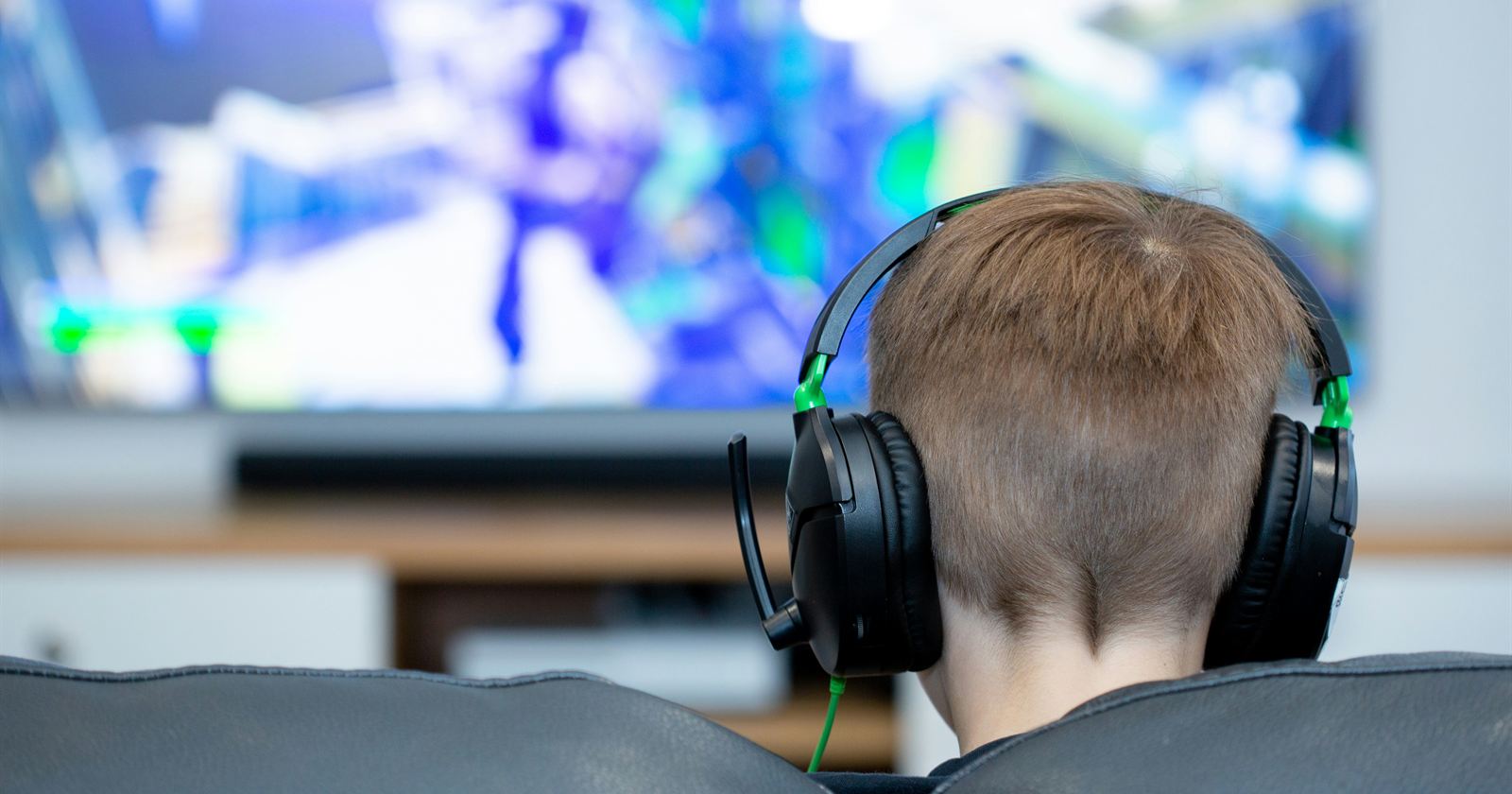
In 2025, researchers published one of the largest reviews ever done on children and screens: a meta-analysis of 117 long-term studies involving nearly 293,000 children. They found small but significant links running in both directions. Greater screen use predicted later social and emotional difficulties, and children already experiencing those difficulties were more likely to increase their screen use. The relationship was especially strong for gaming. In other words, screen habits and emotional well-being can reinforce one another.[1]
That review isn't alone. A 2025 study in JAMA Pediatrics followed 976 children from about age 10 into early adolescence. Each additional hour of daily screen time was associated with shorter sleep and higher depressive symptom scores two years later. Shorter sleep and differences in brain white matter together explained more than a third of that link, and the researchers pointed to sleep as an important factor parents can actually change.[2] A separate 2025 study of more than 5,000 Canadian children found that higher reported screen time was associated with lower reading and math scores on standardized elementary school tests.[3]
None of these studies says screens are poison. The effects are modest, and this research shows associations rather than proof of cause and effect. But the pattern is consistent: more screen time goes hand in hand with less sleep, and screen habits and emotional struggles can feed each other. For the youngest children, the World Health Organization recommends no more than one hour of sedentary screen time a day for ages 2 to 4 (less is better), alongside healthy sleep and active play.[4] Those specific limits are for younger kids, but they show why healthy screen habits are worth building early.
Parents are looking for help, and an industry has grown to meet them
Families have noticed. The global parental-control software market is estimated at about $1.57 billion in 2025, and the research firm Fortune Business Insights projects it will reach $3.39 billion by 2032.[5] There are apps that set daily limits on phones, filter websites on laptops, and lock tablets at bedtime.
But many of those tools are built for phones, tablets, and computers. Ask a parent where their kids actually watch YouTube, Netflix, and Disney+ after school, and the answer is often the big screen in the living room or bedroom. In a lot of homes, that screen runs on Roku.
The Roku gap
Roku does offer parental controls. Parents can protect purchases with a PIN and restrict content ratings, and Roku's Kid & Teen Mode lets them approve participating apps for a child and restrict access to HDMI inputs.[6][7]
These are useful safeguards, but they have limits. Kid & Teen Mode only supports apps that have chosen to participate, and its sleep timer is available only on Roku TVs. Roku's built-in controls don't offer daily time limits for individual apps or a recurring bedtime schedule.[6][7] Roku TVs do have a sleep timer that turns the TV off after a set period, but it's a one-time timer, not a nightly schedule.[7]
Some Roku owners have asked for more. Parents have requested customizable time limits in Roku's community forums and even in an online petition.[8][9]
Other workarounds have limits too. Router-based parental controls generally manage internet access for a whole device rather than tracking how long each Roku app is used. And some TV parental-control apps are built for other platforms. TVCP, for example, offers screen-time limits for Android TV and Google TV but doesn't support Roku.[10]
How ScreenWarden for Roku fills the gap
ScreenWarden for Roku was built for exactly this gap. It's a Windows app that finds and manages the Roku TVs and streaming players on your home network. There's nothing to install on the Roku itself.
Daily limits for individual apps. Give YouTube 60 minutes a day and leave PBS Kids unlimited. When time runs out, ScreenWarden does what you've chosen: stop the app and return to the home screen, pause what's playing, or launch a different app.
Approved apps only. Choose which apps a child's TV can use. Anything outside the approved list is closed automatically, and approved apps can still have their own daily limit.
A recurring bedtime. Since the research points so strongly to sleep, this may be the feature that matters most. Set a screens-off schedule for each Roku and the days it applies. During bedtime, Roku TVs switch off, and streaming players go to the home screen and mute.
Different rules for different TVs. The living room TV can stay wide open while the kids' bedroom TV follows stricter rules. Watch our short video on how to create rules and daily limits for each Roku.
Flexibility when life happens. Use Add Screen Time to give extra minutes as a reward or for a special occasion. The extra time is for that day only.
See what's happening. Home View shows what's playing on every Roku right now, and the Activity Log records what ScreenWarden did and when, so you can tell your rules are working.
Protection. A password and a backup code keep settings and monitoring controls safe, and failed attempts show up under Security Alerts.
Privacy. There's no account and no cloud service. Your settings and data stay on your Windows PC, and ScreenWarden talks to your Rokus over your home network.
ScreenWarden runs on your PC, so rules and bedtimes are enforced while monitoring is on and the PC is running and awake.
ScreenWarden can't fix every screen time struggle, and no app can promise better sleep or grades. As the research suggests, a child who is already having a hard time needs more than a timer.[1] What ScreenWarden does is help you set household screen-time boundaries on your Rokus and enforce them consistently, without having to walk into the room every night.
ScreenWarden for Roku is $9.99 on the Microsoft Store, with a 7-day free trial.
Sources
- Vasconcellos, R. P., et al. (2025). Electronic screen use and children's socioemotional problems: A systematic review and meta-analysis of longitudinal studies. Psychological Bulletin, 151(5), 513–543. https://doi.org/10.1037/bul0000468
- Lima Santos, J. P., Soehner, A. M., Biernesser, C. L., Ladouceur, C. D., & Versace, A. (2025). Role of sleep and white matter in the link between screen time and depression in childhood and early adolescence. JAMA Pediatrics, 179(9), 1000–1008. https://doi.org/10.1001/jamapediatrics.2025.1718
- Screen time and standardized academic achievement tests in elementary school. (2025). JAMA Network Open. https://doi.org/10.1001/jamanetworkopen.2025.37092
- World Health Organization. (2019). Guidelines on physical activity, sedentary behaviour and sleep for children under 5 years of age. https://www.who.int/publications/i/item/9789241550536
- Fortune Business Insights. (2025, March 18). Parental control software market size, share & growth, 2025–2032. https://www.fortunebusinessinsights.com/press-release/global-parental-control-software-market-10382
- Roku Support. Set parental controls. https://support.roku.com/article/set-parental-controls
- Roku Support. Enable Kid & Teen Mode on your Roku streaming device. https://support.roku.com/article/kid-and-teen-mode
- Roku Community. Please add time limit to automatically turn off Roku per device. https://community.roku.com/discussions/tv-and-players/please-add-time-limit-to-automatically-turn-off-roku-per-device-so-kids-cant-sne/991617
- Change.org. Implement customizable time limits in Roku's parental controls. https://www.change.org/p/implement-customizable-time-limits-in-roku-s-parental-controls
- TVCP. Smart TV parental controls: How to set a time limit. https://tvcp.app/blog/screen-time-limits-android-tv-google-tv/